


Building Your First Game (It’s Simpler Than You Think)
Let’s build something real. You’re going to create a basic 2D game where the player controls a character moving left and right, avoiding obstacles that scroll down the screen. Sound familiar? That’s because it’s the foundation for dozens of mobile games.
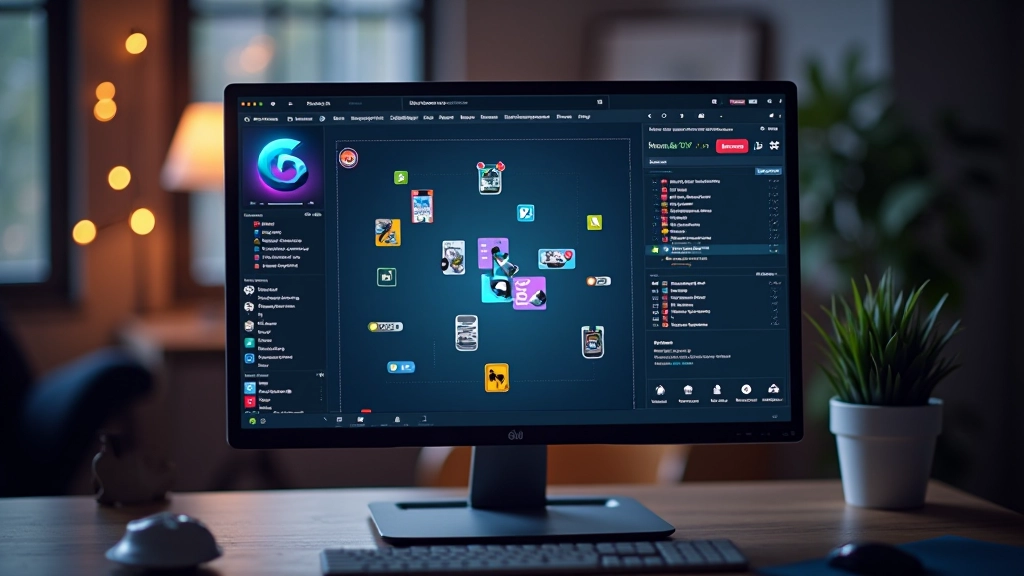
Start by creating a new GameObject — that’s just a container for game objects in Unity. Right-click in the Hierarchy, select 2D Object, then Sprite. This becomes your player character. You can grab a simple sprite from the Unity Asset Store (free) or draw a basic square just to test your game logic.
Next, you’ll add a Rigidbody2D component to your player. This tells Unity to treat your character like a physical object that can move and collide with things. Don’t overthink the settings — the defaults work fine for beginners.
Sample C# Code: Basic Player Movement
void Update() {
float moveInput = Input.GetAxis(“Horizontal”);
rb.velocity = new Vector2(moveInput * speed, rb.velocity.y);
}
That code snippet? That’s literally all you need to make your player move left and right with arrow keys. Input.GetAxis reads keyboard input, and you’re applying that to your character’s horizontal velocity. The Rigidbody handles the physics automatically.



Educational Information
This guide is educational and informational in nature. While we’ve covered fundamental concepts, individual game development projects vary widely based on scope, platform requirements, and technical specifications. We recommend consulting official Unity documentation and community resources for the most current best practices and technical details. Game development is iterative — don’t expect your first attempt to be perfect, and that’s completely normal.
You’re Ready to Start
Here’s the thing about getting started with Unity — you don’t need to know everything before you begin. Download the editor, create a project, and start experimenting. You’ll learn more by actually building something than by watching tutorials for six months.
The mobile game development world isn’t as intimidating as it looks. Unity handles the hard technical stuff. Your job is to focus on the game design, the mechanics that make your game fun, and the story you want to tell. That’s where the real creative work happens.
Start small. Build something simple. Ship it. Learn from it. Then build something better. That’s how mobile game developers actually work in the real world.
Ready to dive deeper?
Explore more resources on mobile game development and expand your skills across the entire development pipeline.
Explore All Topics